
Step 5 of 14 · Set up your account
Invite your team
About 2 min · Optional
Each person gets their own login and a role, so nobody shares a password.
- 1Click Settings, then Team (1), then Invite Member (2).
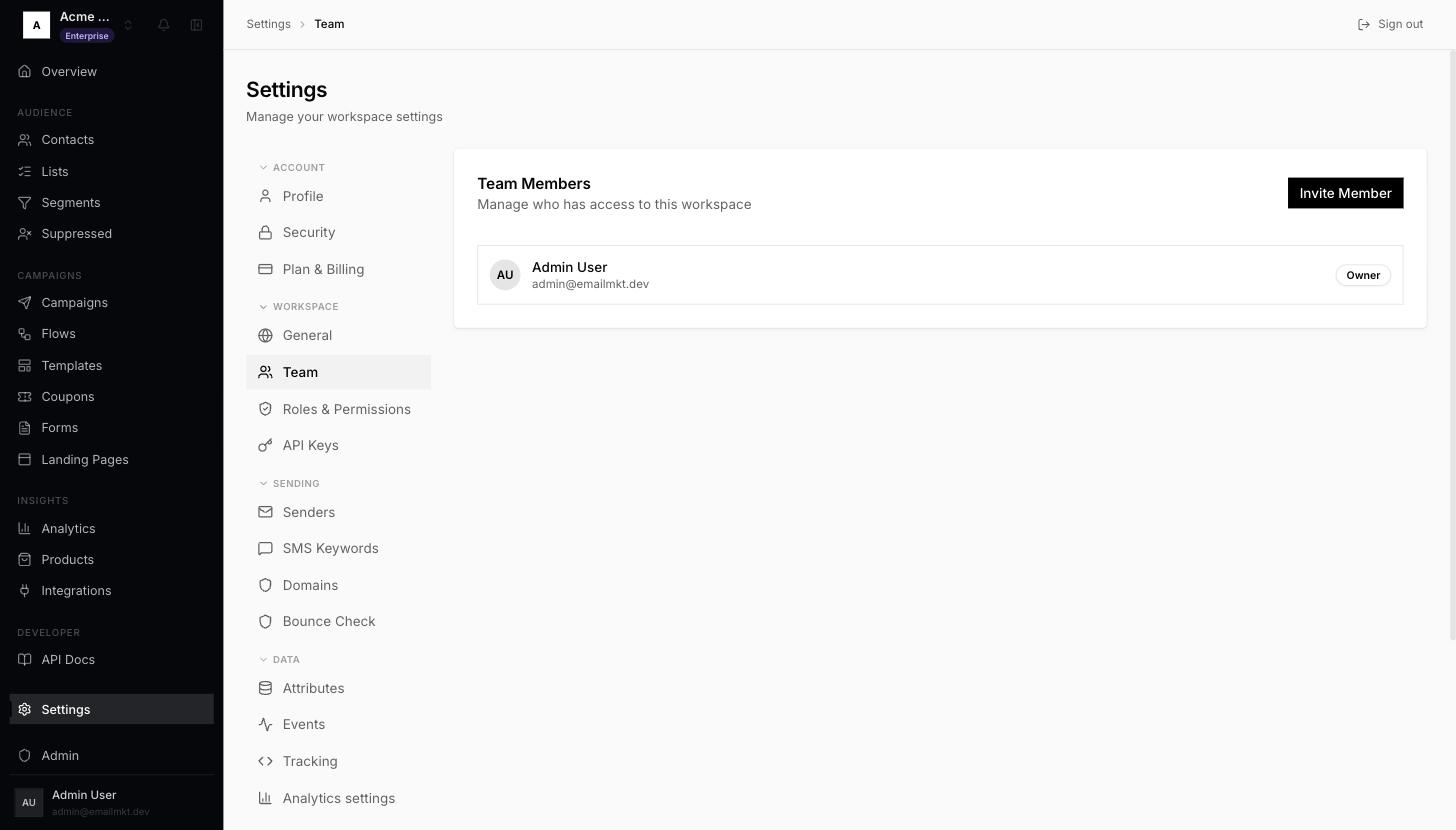
Team page with Invite Member - 2Enter their Email address and pick a Role: Admin (everything), Editor (build and send) or Viewer (read only).
- 3Click Send invitation. They appear under Pending Invitations until they accept.
Done when: Someone else is a member, or an invitation is waiting.