
Step 9 of 14 · Bring in your customers
Import your contacts
About 5 min · Optional
If you already have subscribers from another tool, import them so you can email them from day one. Connected stores bring in their customers on their own.
- 1Open your list (Lists › your list) and click Upload contacts — everyone you import joins that list.
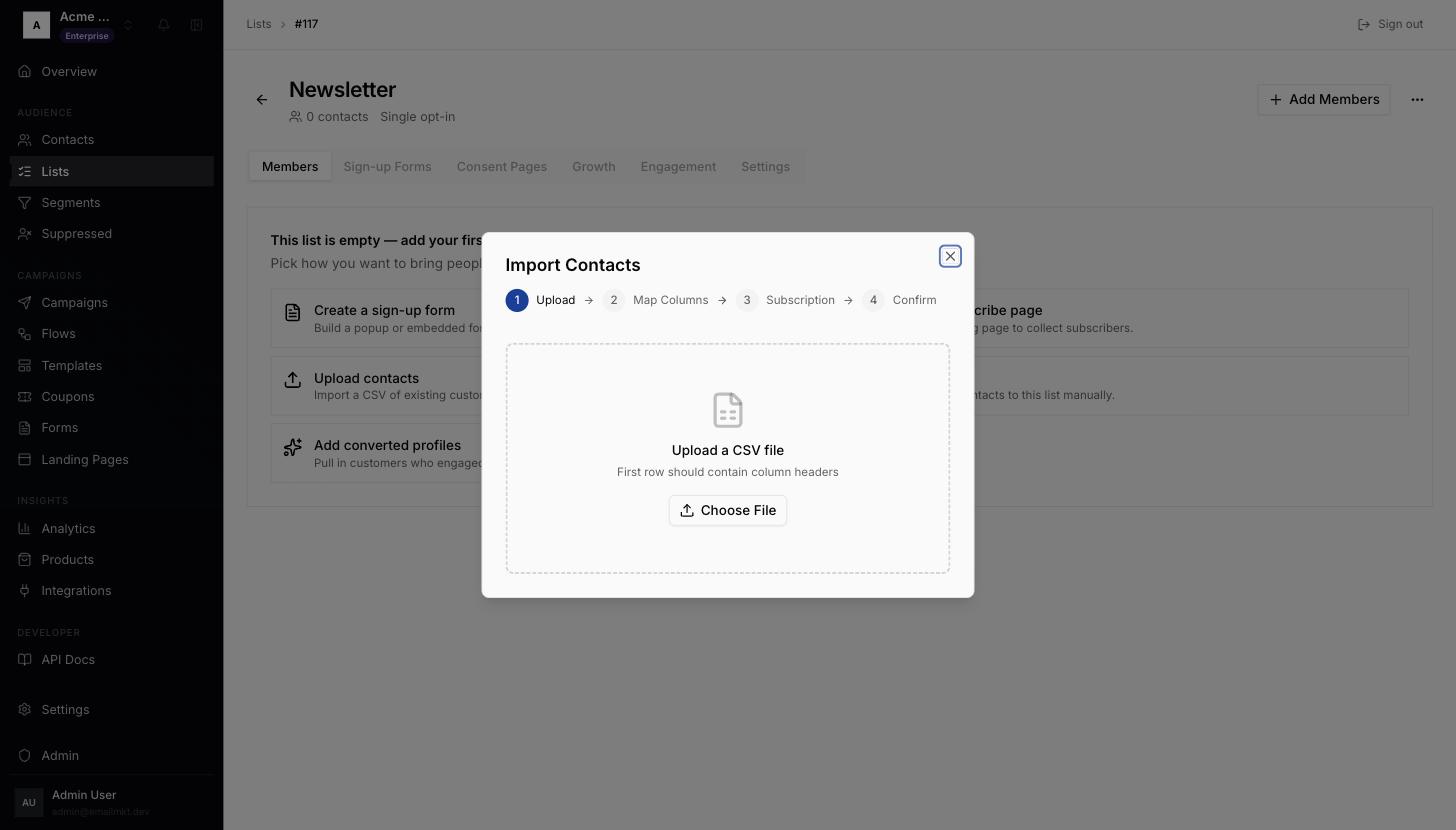
Import Contacts dialog, upload step - 2Click Choose File and pick a
.csvfile whose first row is column names. - 3Match your columns: one column must be Email; others can be First Name, Last Name, Phone, Tags, or Skip this column.
- 4Answer Did these contacts subscribe to messaging? — only choose Yes for people who agreed to receive marketing.
- 5Click Import Contacts.
Done when: You have at least one contact.